AI food recognition can give you a useful calorie estimate from a meal photo. Portions, cooking oil, and sauces affect the result, so a photo cannot give an exact calorie count.
For everyday food logging, the benefit is convenience: send a photo to CaloriePilot and get a starting point without searching for each food on the plate.
Send a photo and ask your question
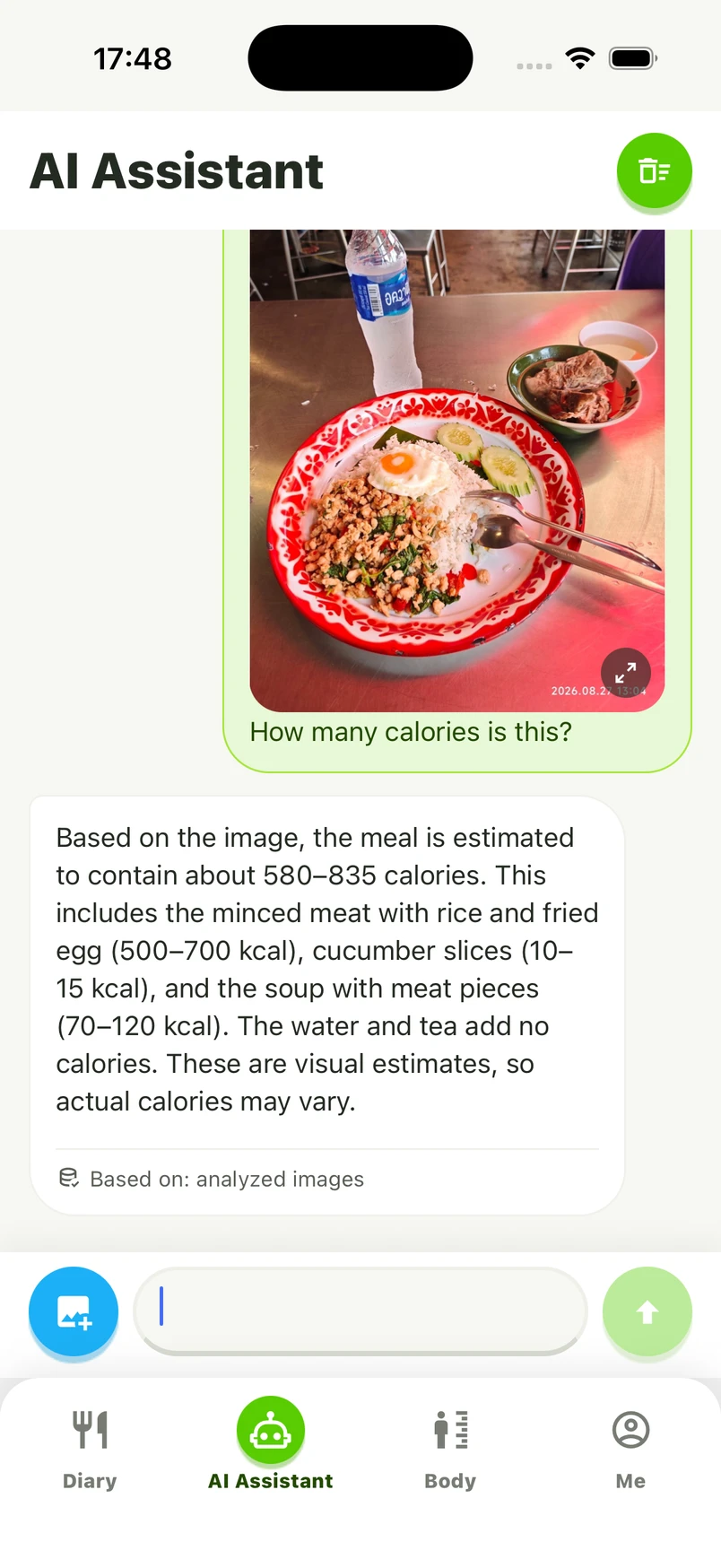
Open AI Assistant, attach your meal photo, and ask “How many calories is this?” Include the main plate, sides, and drinks you want to count.
See the calorie estimate
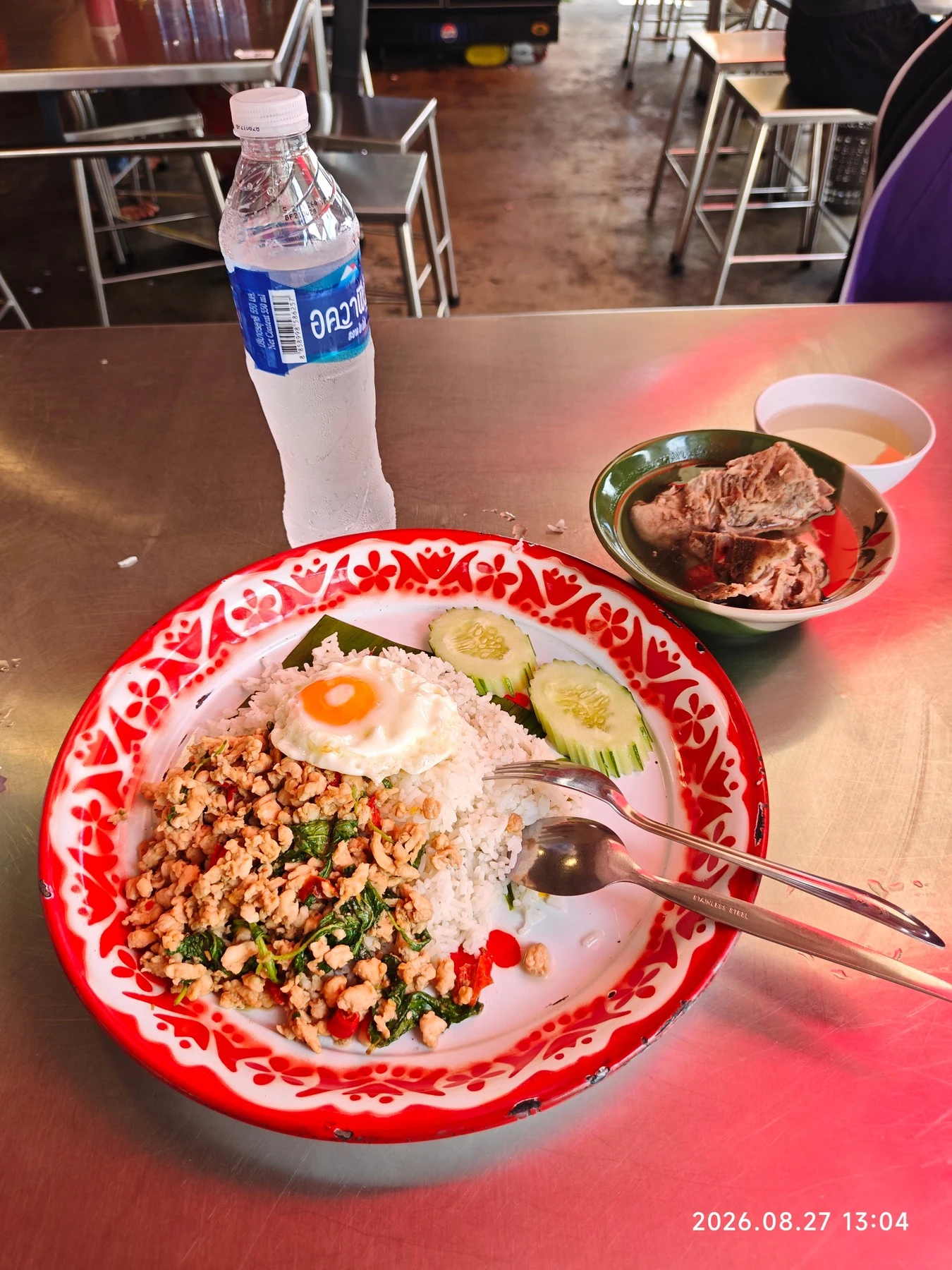
For this meal, CaloriePilot estimated 580–835 kcal, including the rice and meat, fried egg, cucumber, and side dish.
You can use the estimate to get a sense of your meal, then add a note if you ate less than pictured or had a sweetened drink.
Check portions, oil, and extras
The same dish can have different calories depending on the portion and how it is prepared. These three details are the most useful to add.
| Check | What matters |
|---|---|
| Portion | Did you eat everything, share it, or leave some? |
| Oil and sauce | Was it fried? Did you add dressing or sauce? |
| Sides and drinks | Count what you consumed, including sweetened drinks. |
A short note can help
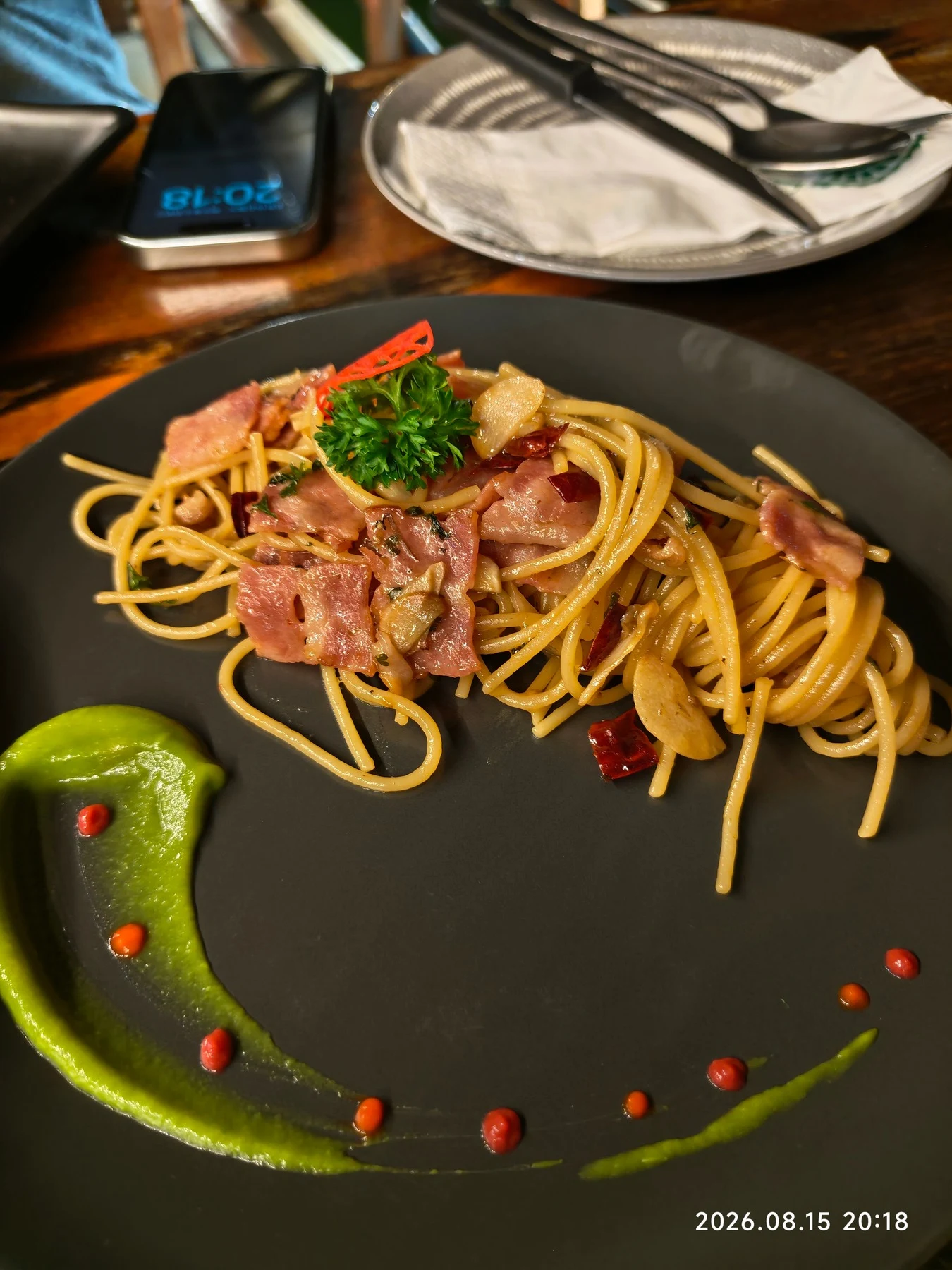
This pasta photo shows noodles, meat, garlic, and sauce. A note such as “I ate half” or “I left the sauce” adds information the picture cannot provide. Use the details you know.
Make your next meal easy to log
Take a clear photo before eating, with the whole plate in view. Tell CaloriePilot which meal it was, add your portion if you know it, and check the entry before saving.
Have a package? Scan the label
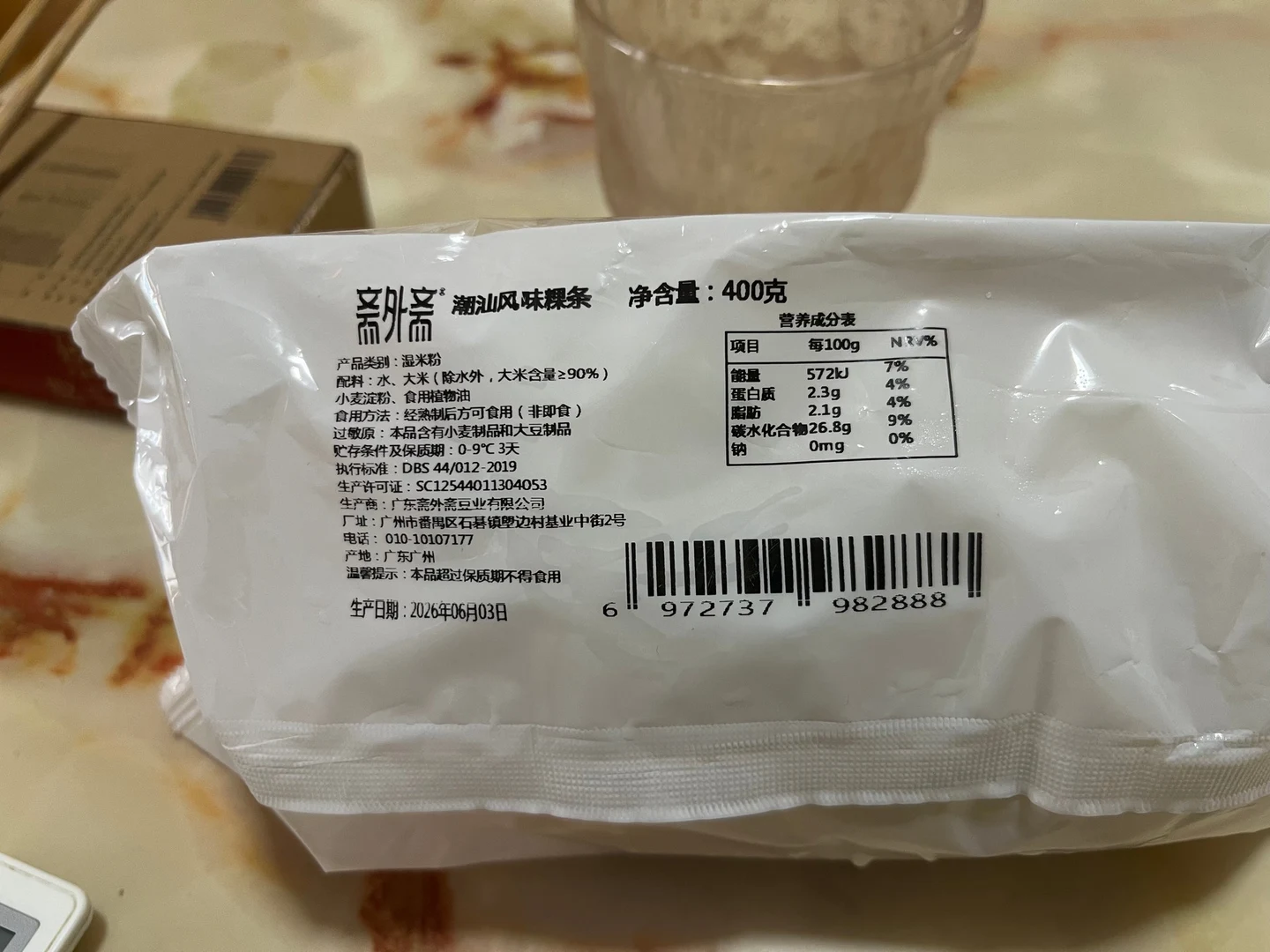
A nutrition label gives you the product’s printed values. Combine it with the amount you ate to calculate your portion.
Sources and further reading
Common questions
Can AI calculate exact calories from one photo?
A photo gives an estimate, not an exact calorie count. Portion sizes, cooking oil, and sauces can change the total.
What should I type with a meal photo?
Keep it simple: “How many calories is this?” To log the meal, try “I had this for lunch,” and mention whether you ate all or part of it. Check the entry before saving.
Can I use a food photo if I do not know the weight?
Yes. Send a photo and describe the portion as best you can, such as half a plate or a shared meal.
Is scanning a label better than photographing the food?
For a packaged product with a clear label, the label gives you its printed nutrition values and serving basis. A food photo is more useful for visible mixed meals without that information.