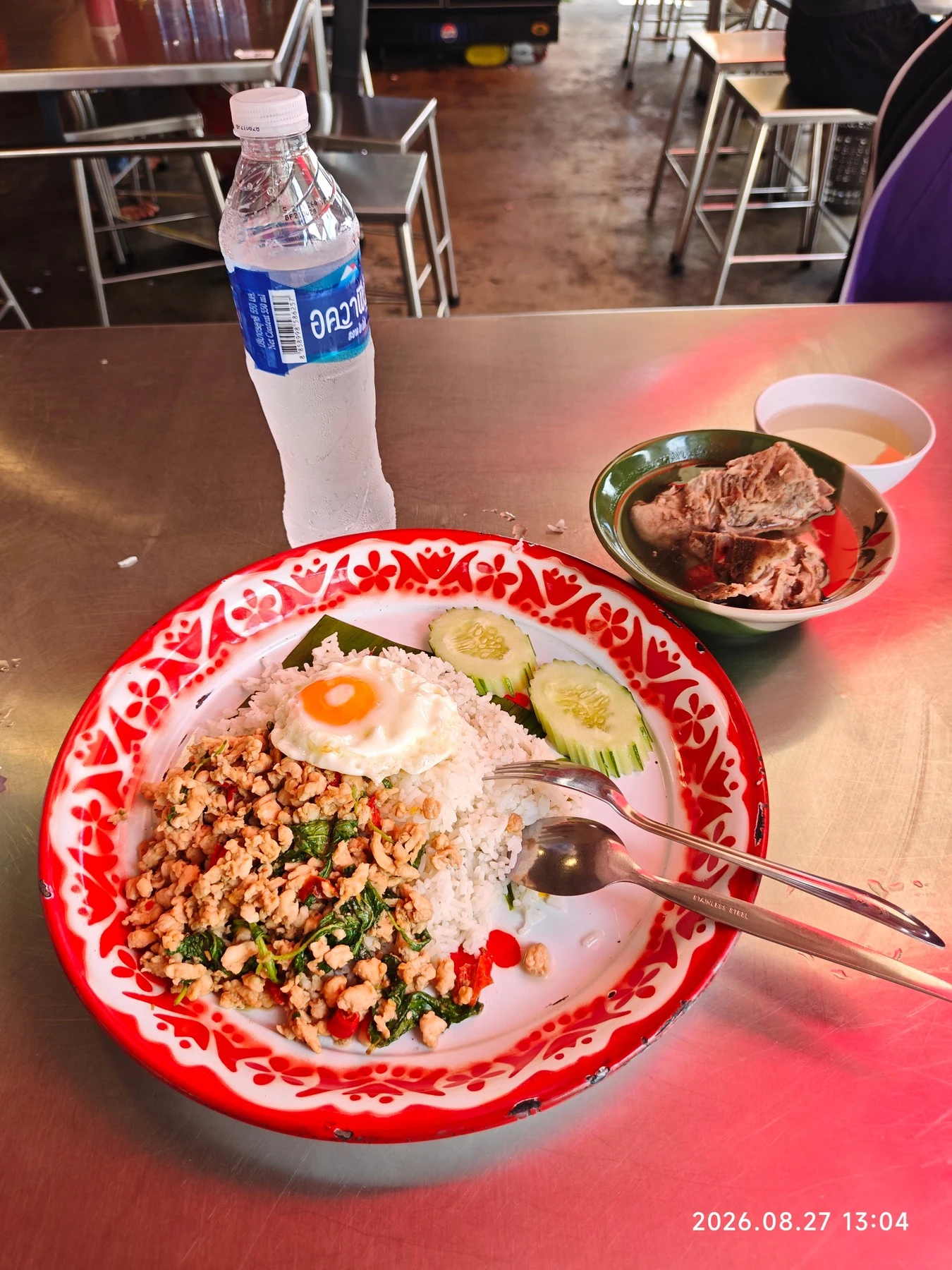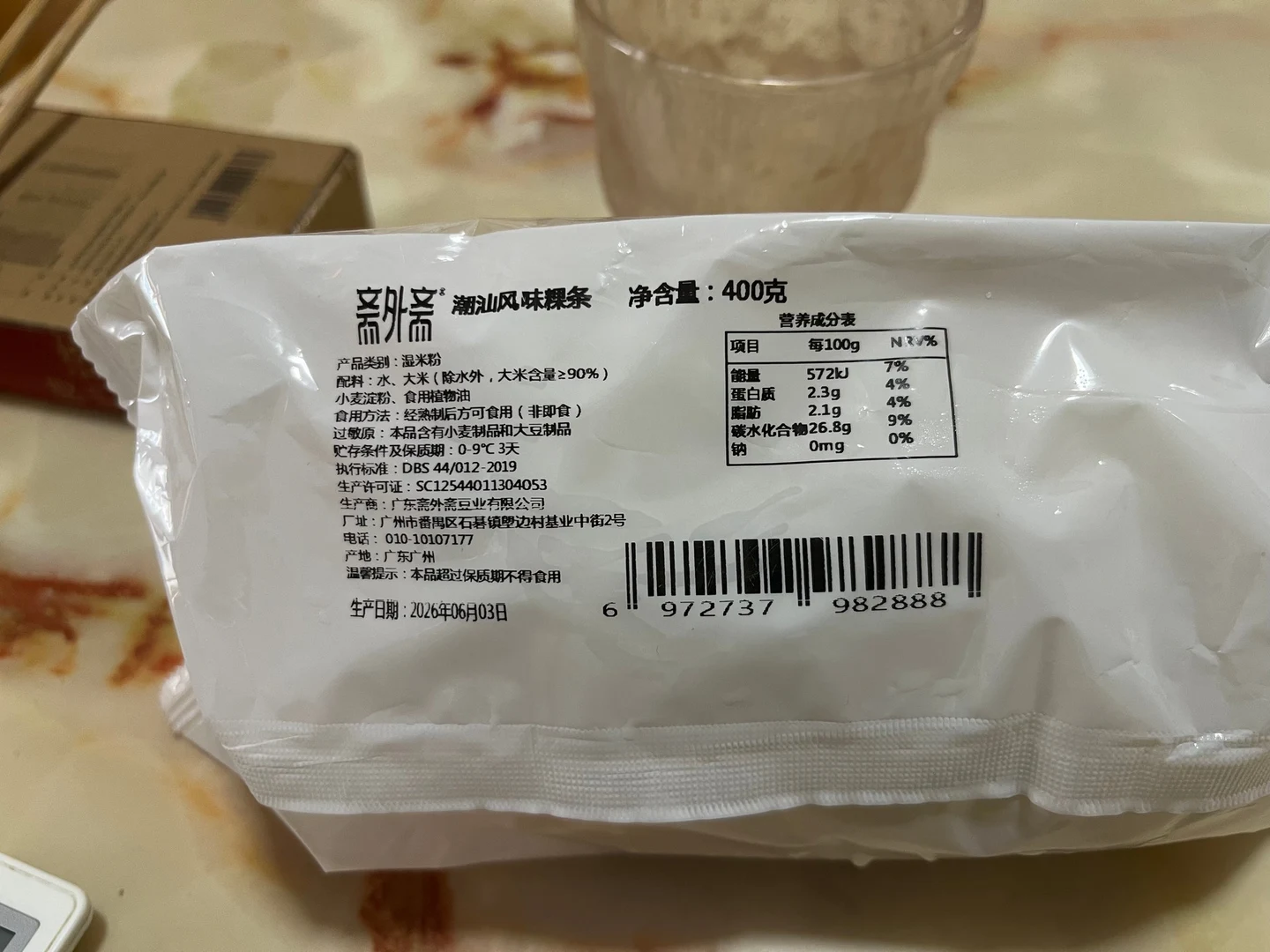

Photographing a meal removes one of the most tiring parts of food tracking: searching for every item and entering it one by one. CaloriePilot turns the photo into a record that is ready for you to check.
You spend less time typing, while still deciding whether the foods and portions match what was actually on your plate.
Take a photo that contains useful context
Place the whole meal in frame and avoid heavy shadows. If foods overlap, a slightly angled view can make separate items easier to distinguish. For a meal with several plates or a packaged item, add another photo rather than forcing everything into one crowded image.
- Include the plate edge to give portion context.
- Keep labels and small ingredients in focus.
- Add a short note when preparation changes the result, such as fried, sweetened, or with dressing.
Review the things a camera cannot know
A photo may show rice and chicken, but it cannot reliably reveal the oil used in cooking, the exact recipe, or the weight of each item. Review the food names and serving amounts, then add anything hidden from view.
- Was oil, butter, sauce, or sugar added?
- Did you eat the full serving shown?
- Is the item homemade, restaurant-made, or packaged?
Save the record, not the guess
The final entry should reflect what you actually ate. CaloriePilot lets you change the suggested foods and portions, then asks you to confirm before anything is saved. You get a faster record without giving up control.
Sources and further reading
Common questions
Can one photo identify every ingredient?
No. Hidden ingredients, recipes, preparation methods, and exact portions may need your input.
Should I use a photo or type the meal?
Use the fastest method for the situation. A photo helps with visible mixed meals; a short sentence can be better when you already know the ingredients and amounts.